
Getting Started
Once you've downloaded the project, it's time to confirm your environment and spin it up in a few steps
This is suitable if you are doing it locally. For deploying the solution to the live server, see Deploying to Production
Once you've downloaded the project, it's time to confirm your environment and spin it up in a few steps
This is suitable if you are doing it locally. For deploying the solution to the live server, see Deploying to Production

Know your project. Understand what's under the hood and the capabilities your platform can handle.
It's not just designed as an e-commerce shop, it's made to be flexible and future ready with integrations such as AI and third party services
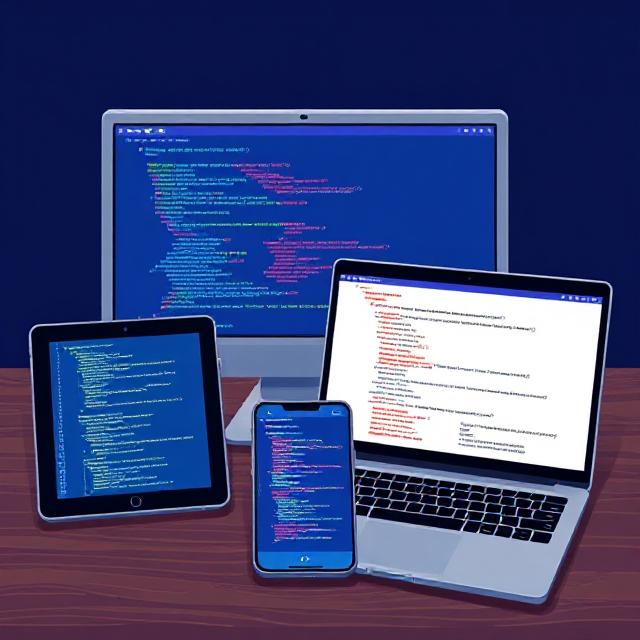
Learn to navigate the Angular codebase that is powering the end-user experience.
From branding to updating currency of your products and code structure, you will have a solid foundation to adapt your platform to meet your specific needs.
Get to understand the microservices powering the backend, the code structure, data flow and where and how to extend functionalities.
We'll break to you the database schema so it's easy to undestand where everything rests and how to take advantage of the full features already available.
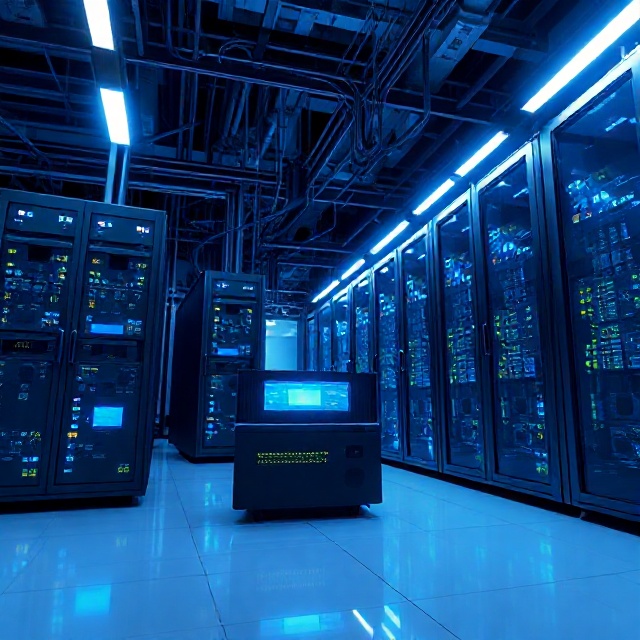
Here, we walk you through deploying your e-commerce platform to a production server.
In this case, we use git for versioning, deploying the backend using Docker compose, and the Angular app proxying with Nginx web server.
We'll also share with you scripts that will automate (and therefore easen) your deploying.
You can refer this as CI/CD, but without the pain!

We'll be thoughts with everyone else using this product, and we'll provide our Support Team will continually update our inputs and suggestions to your thoughts on this directory.
If you've got suggestion, or an issue that can be shared widely with other developer using this product, we encourage you to message us at [email protected] so that we could address your concerns and educate the others.